

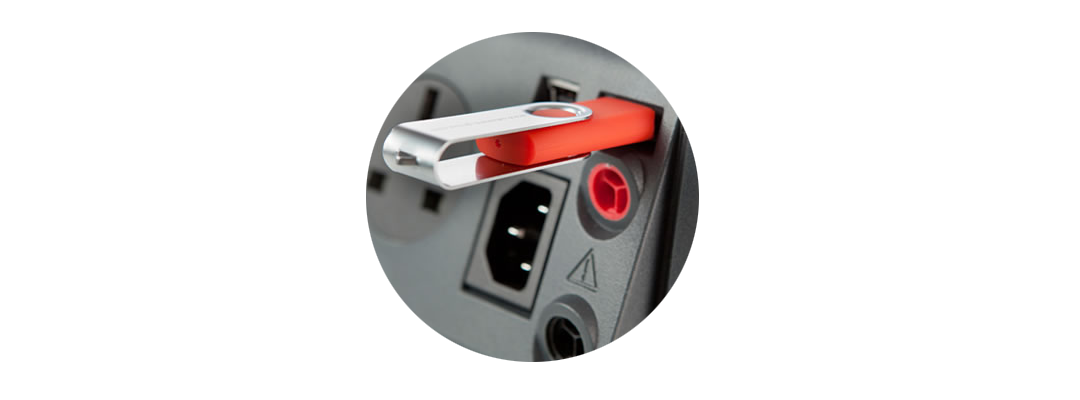
We have had some customers report an error with the Seaward Apollo 600 and the USB memory stick, when trying to upload data to the Apollo.
This issue has happened when users want to clone the data and settings from one Apollo to the rest of their fleet. The first Apollo will create the clone file which is then saved to a USB device.
When the USB is then transferred to the second Apollo, the tester acknowledges there is a valid .tar file, however when you press the save button, you receive an error “Failed to read data from USB“.
We have found that the USB can sometimes become corrupt, which means the data cannot be read properly. If this is the case, connecting the USB stick to a PC should result in a message stating that the USB is corrupt and giving you an option to scan and fix the drive. If you select this option, copy the clone data file to your USB again and then ensure you safely remove the hardware, the USB should then be read by the Apollo 600.
*Note: When carrying out a fix, the PC may remove some files if they are also corrupted. We cannot be responsible for loss of any data if you carry out the above procedure and would recommend that any users always have a backup.
If there are no issues with the USB stick
We have found another strange issue where this message appears, however the fix above does not work. In this instance we found the following worked:
- Create a clone file from within the Apollo that you wish to clone data to
- Copy that file to the USB stick and then upload the clone file back into the Apollo
- Provided you receive a “success” message, you should then be able to upload clone data from other Apollos
The above fixes worked for us when we experienced these issues on different testers.


