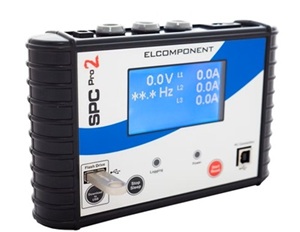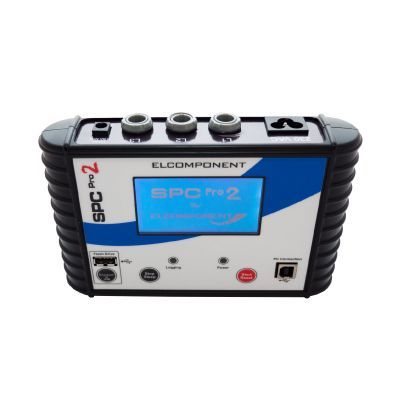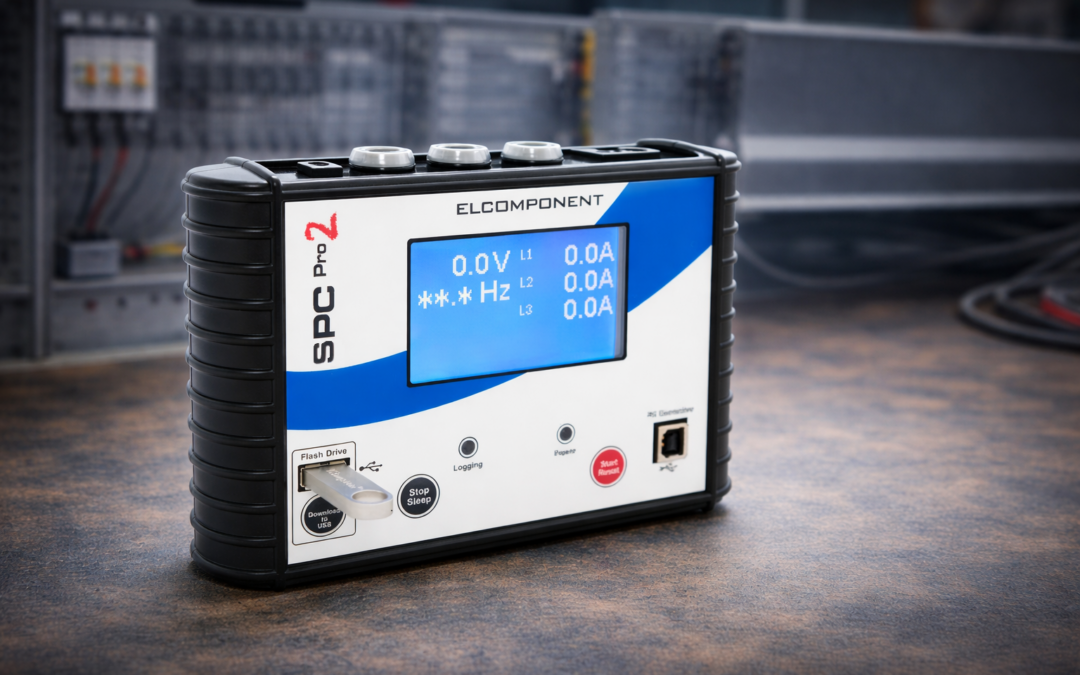
If your SPC Pro 2 Three Phase Data Logger isn’t recording data properly, you’re not the only one!
We’ve had a few calls from customers who’ve started logging incorrectly, this is usually because no one showed them the right way to do it.
So, to save you time, here’s a quick refresher on how to log correctly and keep your SPC Pro 2 running smoothly.
Getting Started
Good news, logging with the SPC Pro 2 is actually really simple once you know the steps.
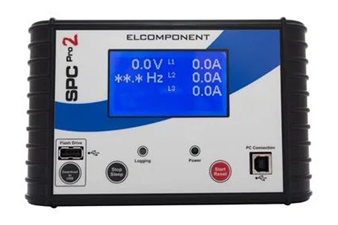
- Power up the unit – Press the Start button to switch it on.
2. Check your CT connections – Make sure the CT (current transformer) is properly connected before logging.
If you’re unsure, check out our How to Connect CTs Correctly Guide — it could save you from snapping a cable!
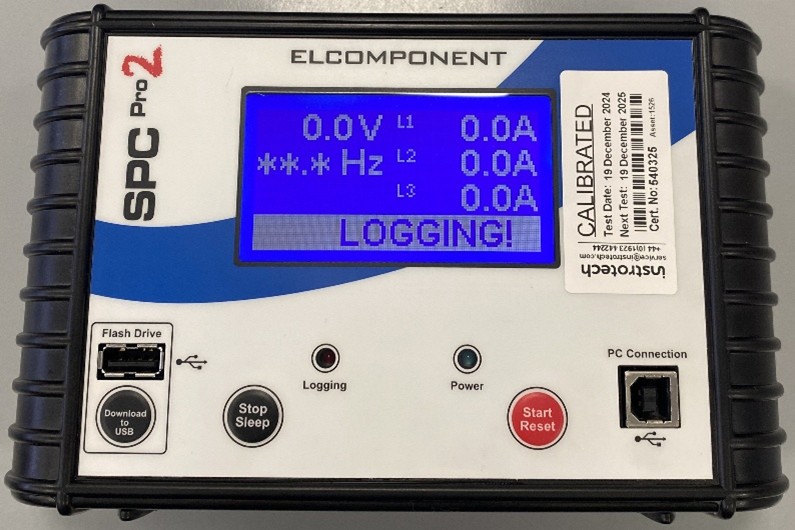
3. Start logging – Hold down the red start/reset button for 5 seconds. You’ll see a countdown appear, then the text “Logging!” will show on the screen.
Finishing Your Test
When you’re done logging:
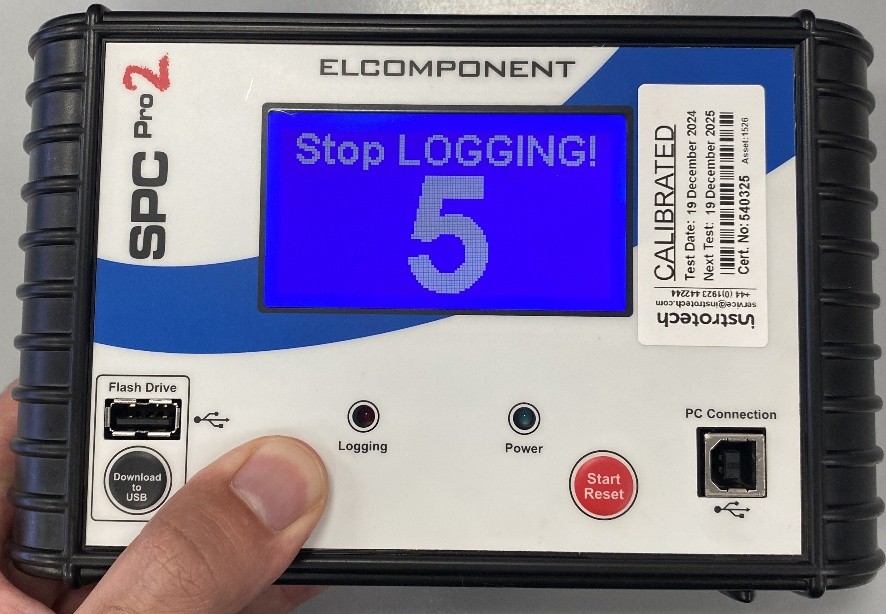
- Hold the Stop/Sleep button for 5 seconds, just like when you started.
- The screen will display “Stop Logging!” with a countdown, confirming the process.
Your test is now safely stored on the device.
⚠️ Important: Don’t start another test right away! The SPC Pro 2 can only hold one log file at a time. Starting a new test will erase your previous data permanently.
Why Are We Sharing This?
We’ve seen a few SPC Pro 2 units come back where customers started new logs before downloading the old data. This short guide will help you avoid that problem, keeping your logger accurate, reliable and ready for the next job.
And if you’d rather not handle the downloads yourself, our sales team also offers a data download and reporting service. We’ll extract the data for you and generate a clear, professional report ready for your records.
Need Help or Calibration?
If your SPC Pro 2 isn’t logging properly, or it’s time for a calibration, we can help.
✅ Book a calibration or repair online
✅ Get in touch with our support team: +44 (0) 1923 650 660
We’ll make sure your test equipment stays in top condition – accurate, safe and ready for site.