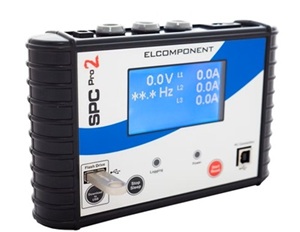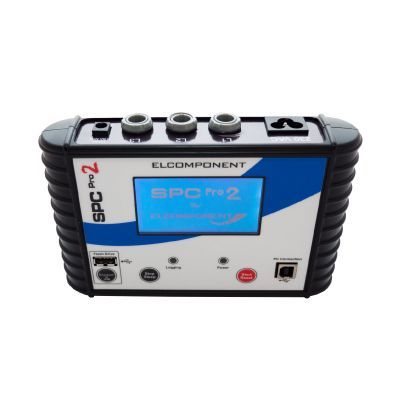
We’ve had a few customers get in touch recently after running into problems with their SPC PRO 2 Power and Energy Loggers and in most cases, the issue comes down to one simple cause: the Current Transformers (CTs) weren’t connected correctly.
It’s an easy mistake to make, but incorrectly connecting the CT’s can snap the internal metal connections inside the CT terminals, leading to inaccurate logging and damage.
To save you the headache of repairs and inaccurate logging (and keep your logger performing at its best), we’ve put together a quick guide on how to connect your CTs properly from the start.
Why CT Connection Matters
CTs might look simple, but if they’re twisted, forced or connected the wrong way round, the internal metal parts can get damaged which can throw off your measurements and lead to avoidable repairs later on.
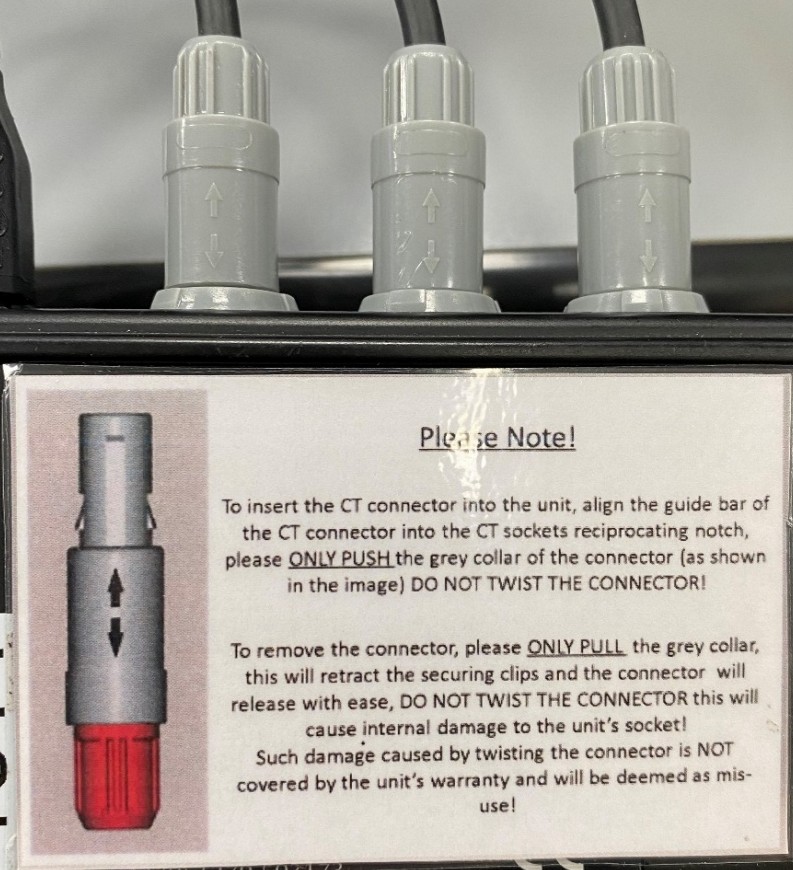
By taking a moment to connect your CTs correctly, you’ll get accurate readings, protect your equipment and save yourself a lot of time and frustration. Every SPC PRO 2 now includes a clear label on the back showing the correct way to disconnect and reconnect your CTs safely.

Quick Setup Guide
- Locate the CT sockets – each one is labelled for L1, L2 and L3.
- Remove the CT – simply pop it out of the socket; no twisting needed.
- Clamp it securely around the conductor you’re monitoring.
- Reconnect – push the plug firmly back into its matching socket.
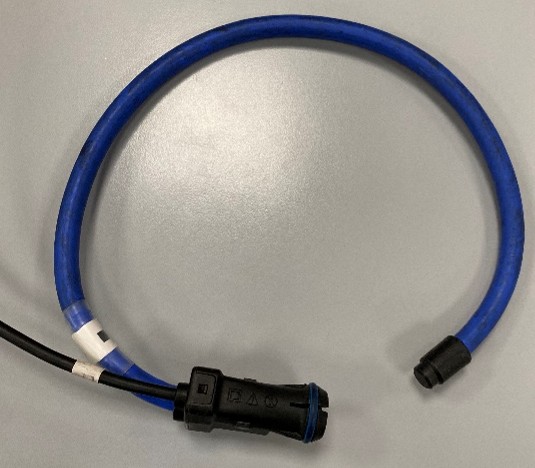
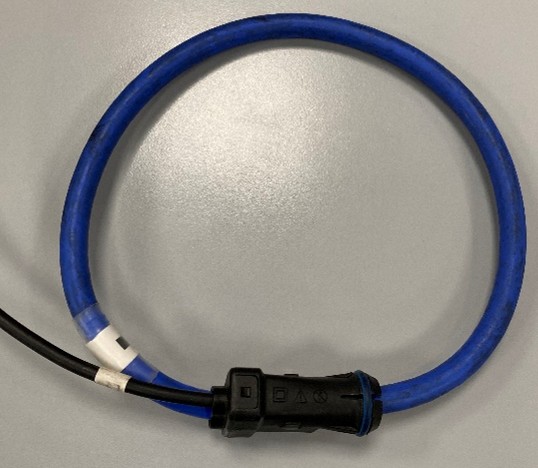
That’s it — your CTs are now ready for accurate and safe logging.
Instrotech Tip
Always reconnect each CT to the same input channel it came from. This keeps your phase data correct and saves confusion later. The step-by-step label on the SPC PRO 2 makes it easy to double-check while on-site.
At Instrotech, we’ve seen many units come back damaged simply because the CTs weren’t connected correctly. We don’t want that happening to you. With a bit of care (and no twisting), your SPC PRO 2 will stay accurate and trouble-free for years.
Need Help or a Check-Up?
If you’re unsure about your setup, or if your SPC PRO 2 needs recalibration or repair, our expert team is here to help. We’ve supported customers across the UK for over 40 years and we’re always happy to talk you through it.
Keep your SPC PRO 2 in top shape and your readings spot on.